How to build a crypto trading dashboard with AI — no code required
A step-by-step guide to building a live crypto dashboard using AI: prompt a candlestick chart, add order-book depth and funding rates, and arrange it all on one canvas — without writing code.
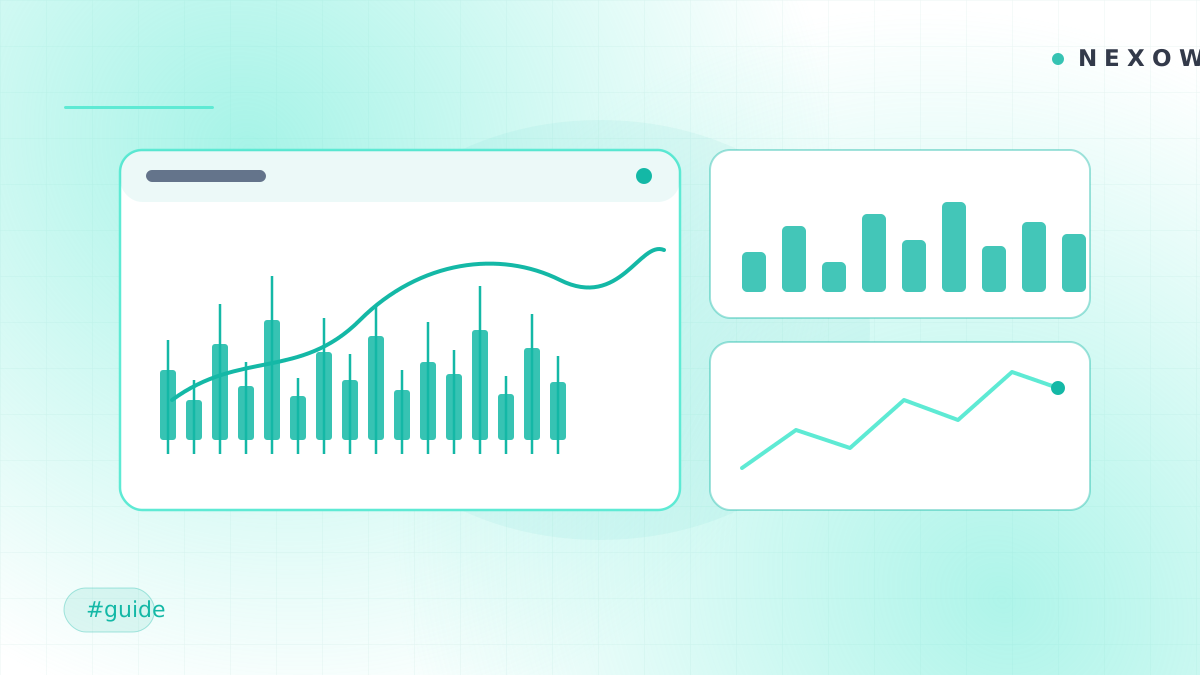
You don’t need to be a developer to build a professional-grade crypto dashboard anymore. With an AI-native builder like Nexow, you describe the widgets you want in plain language and get live, running charts on a free-form canvas. Here’s how to build a complete crypto workstation in a few minutes.
What you’ll build
A single canvas that tracks a crypto pair end to end:
- A candlestick chart with moving averages
- An order-book depth view
- A funding-rate monitor for perpetuals
- A compact watchlist of related pairs
Step 1 — Open the app
Launch Nexow, open a workspace, and start with the widget you need most. Free includes starter credits for generating and editing widgets.
Step 2 — Prompt your main chart
Type what you want to see:
A candlestick chart of BTC-USD from Coinbase, 1-hour candles, with 20 and 50 EMA and volume bars.
Nexow generates the widget, wires it to the Coinbase connector, and drops it on the canvas. Prices stream in live.
Step 3 — Add order-book depth
Create a second widget:
An order-book depth chart for BTC-PERP on Deribit, top 50 levels each side.
Resize it and place it next to your chart. You now have price action and liquidity side by side.
Step 4 — Monitor funding rates
Perpetual traders live and die by funding. Prompt:
A table of current funding rates for the top 10 perpetuals on Binance, sorted by absolute value, refreshing every minute.
Step 5 — Arrange your canvas
Drag your widgets into a layout that makes sense to you, and group related views into a workspace — one for BTC, another for majors, another for research. Switch between them instantly.
Frequently asked questions
Do I need to know how to code? No. You describe widgets in natural language and Nexow writes and runs them. If you do read code, every widget’s source is available to inspect.
Which exchanges are supported? Nexow ships connectors for Binance, Coinbase, Kraken, Deribit, BitMEX and more, alongside FX, equities and prediction-market venues — 20+ in total.
Is my data private? Nexow runs generated widgets in a sandbox, scopes connector access, and keeps widget history attached to your workspace.
How much does it cost? Free includes the core canvas, sync, reusable widgets and starter AI credits. Paid plans add more capacity later.
That’s a full crypto dashboard without touching a line of code. Try it now and build your first widget.
Build your first widget in the next minute
Open the preview, describe one useful thing, and place it on your canvas.