

A calmer cockpit: a dock that tucks itself away, one-click layouts and tips that teach
Workspace chrome learned some manners — the dock folds into a puck when idle, toolbar presets arrange your canvas in one click, and a stream of small tips teaches the deep features in passing.
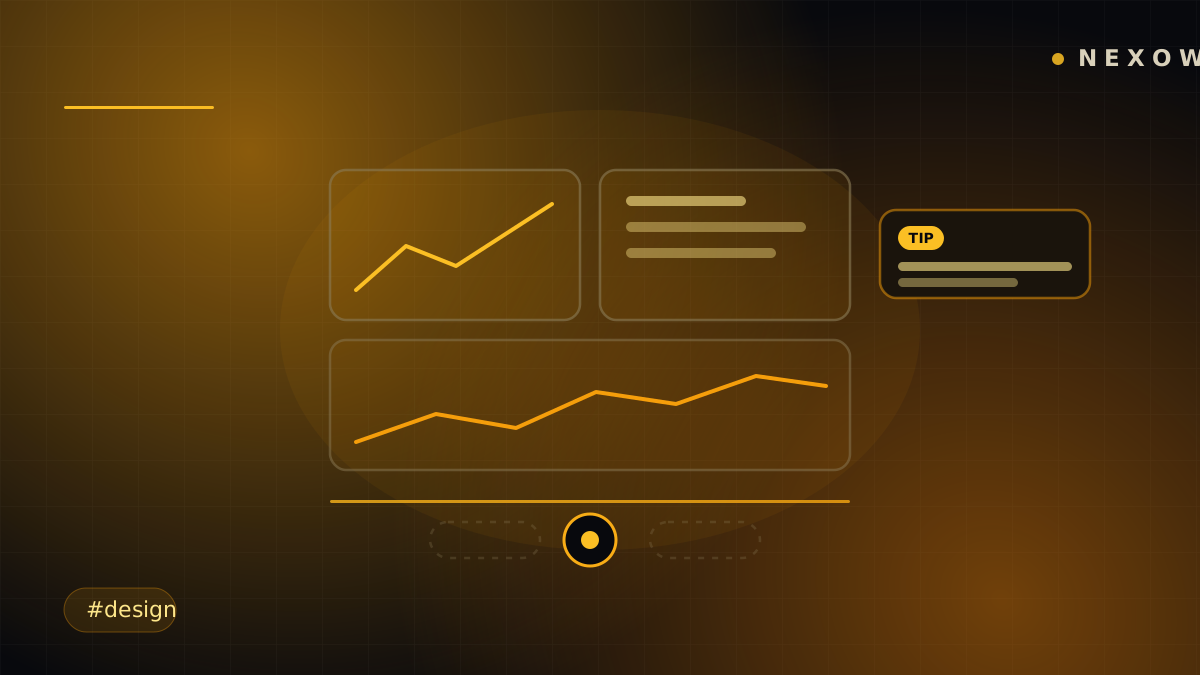
Not every release is a headline feature. This one is a dozen small decisions about the pixels between you and your data — chrome that steps back when you’re working and steps in when you’re lost.
The dock became polite
Leave the workspace alone for a moment and the dock folds itself into a small puck, melting onto the Nexow mark instead of sitting across your canvas. Touch it and it wakes. Want it gone entirely? Hide it, or minimize panels straight from the dock’s context menu.
It’s a small thing with a large effect: a full-screen chart is actually full-screen now, and the controls are still one flick away.
One click, an arranged canvas
The floating toolbar — which now starts mid-right, where your cursor actually lives — picked up auto-layout presets. One click arranges the widgets on a screen into a clean mosaic instead of a hand-nudged approximation of one. Build first, tidy later, instantly.
Removing a widget now asks before it deletes — the one dialog nobody minds, because free-form canvases deserve an undo moment for their most destructive click.
Tips that arrive in passing
Nexow has grown a lot of depth — bots with database sinks, agents with tool grants, marketplace lineage — and nobody reads manuals. So the workspace now teaches itself: occasional tip toasts, marked with a TIP badge, surface one capability at a time, on a randomized cadence that stays out of your way. Developer-flavored tips cover widgets, bots and agents; even context menus chip in with pointers to what’s behind them.
Each tip is a thing you can do immediately, not a tour you have to sit through.
Polish you’ll feel, not see
The rest is texture: an accent beam that runs the chrome and carries across panels, menus that reliably sit above modals, panels that stack correctly above the accent line, and a splash screen that holds until the workspace has actually painted — so Nexow opens finished, never half-dressed.
None of this adds a feature. All of it is why the features feel good.
Launch Nexow and leave the mouse alone for a moment — watch the cockpit put itself away.
Build your first widget in the next minute
Open the preview, describe one useful thing, and place it on your canvas.