

Copilot has landed: parallel conversations that build while you browse
The workspace Copilot is live — with a tab strip of open conversations, builds that keep running in the background, recovery for interrupted runs, and clarifying questions instead of guesses.
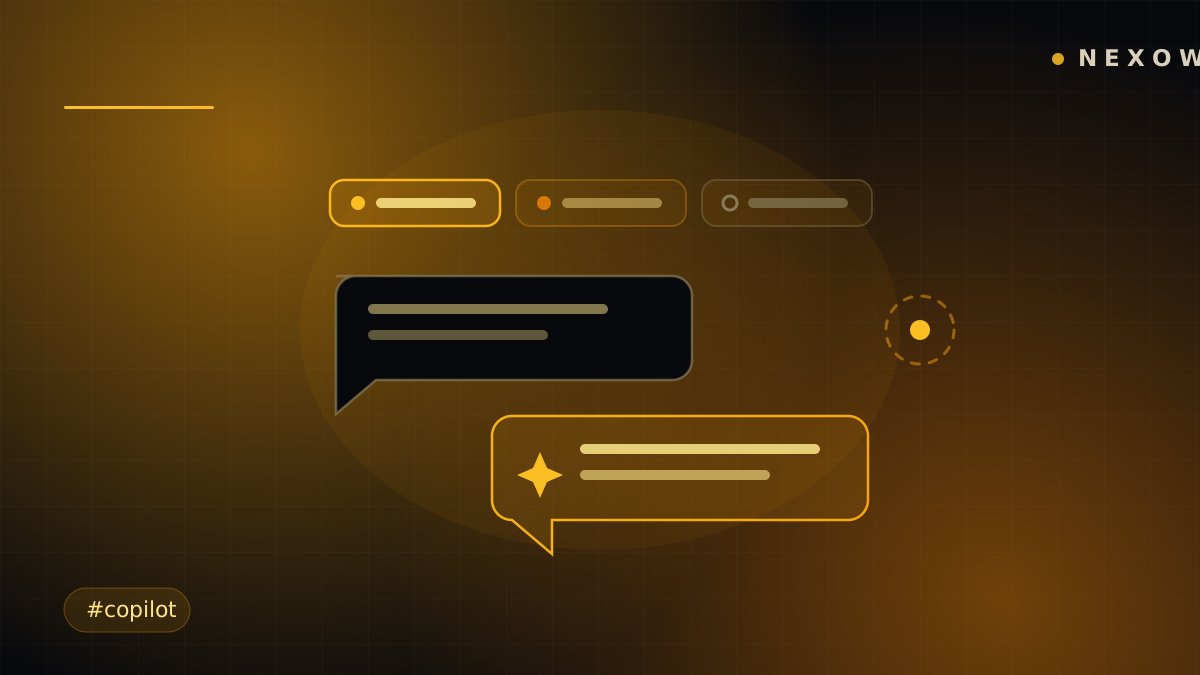
Copilot was the second promise on the roadmap: an assistant that understands your canvas, not just your prompt. It’s now live in Nexow — and it arrived with a trick we didn’t originally promise: it can hold several conversations at once, and they all keep working while you look away.
A tab strip for your conversations
Copilot conversations now live in tabs, like a browser. Start a thread about your ETH screen, open another to build a funding-rate widget, keep a third going about layout — and switch between them freely. Each tab keeps its own context, so you never have to re-explain what “this chart” means.
Builds keep running in the background
The important part: a conversation doesn’t stop when you leave it. Ask Copilot to build a widget, switch tabs, rearrange your canvas, go do something else — the build keeps running in the background and the tab lights up when it’s done.
Builds are durable, too. If a run gets interrupted — network blip, closed laptop, an errant refresh — Copilot picks the build back up instead of losing it. You come back to a finished widget, not a half-written one.
It asks before it guesses
A prompt like “make me a volatility widget” leaves real decisions open: which market? what window? chart or number? Copilot now asks clarifying questions when your request is ambiguous, then builds once it actually knows what you want. Fewer plausible-but-wrong widgets, more first-try keepers.
It can work the canvas itself
Copilot has layout tools: it can place what it builds onto your free-form canvas, organize screens, and arrange groups — so “build it and put it next to the order book” is one request, not a build followed by manual housekeeping.
Part of the workspace, not a separate app
Copilot lives in the same panel system as everything else, next to your widgets, bots and agents. It reads the context you give it and acts on the workspace you already have — a second pair of hands, not a second application.
Launch Nexow, open Copilot, and start two conversations at once. That’s the moment it clicks.
Build your first widget in the next minute
Open the preview, describe one useful thing, and place it on your canvas.