

Explore, rebuilt: endless sub-feeds, resizable tiles and a contacts-only scope
The community feed became a place you can actually dig through — tiles open into endless sub-feeds instead of navigating away, every widget post declares its data sources, and a scope toggle keeps it personal.
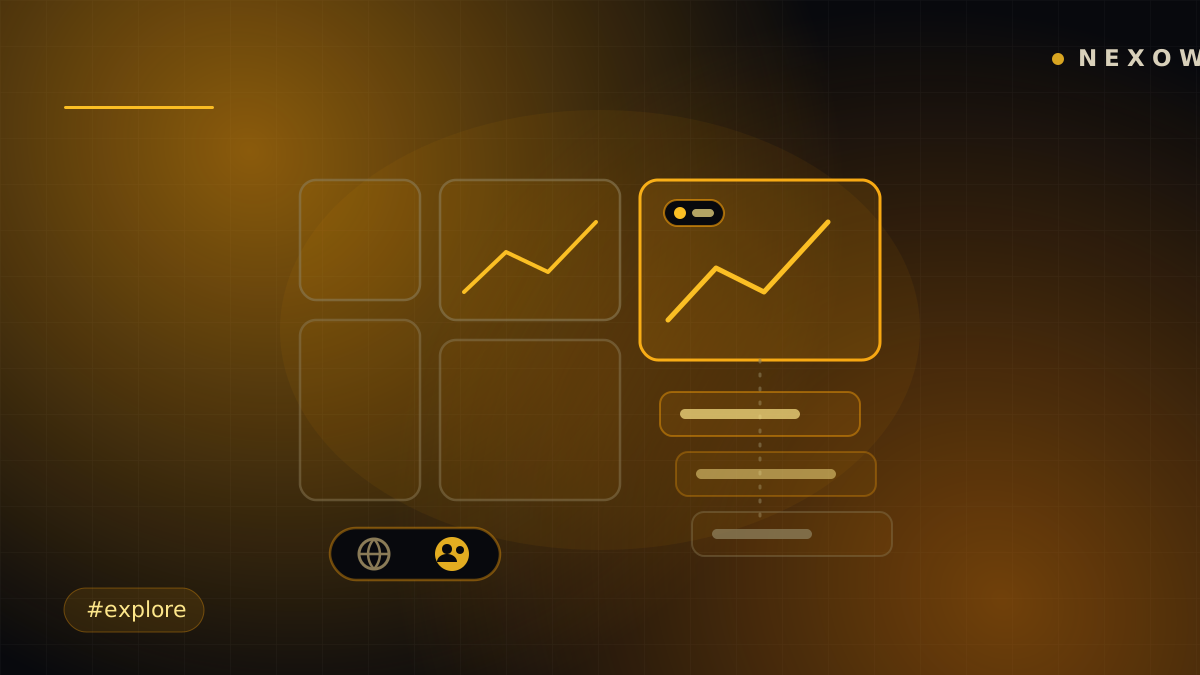
Explore used to be a wall you scrolled. The rebuilt version is a space you move through — every tile opens deeper instead of throwing you somewhere else, and the feed finally answers the question every feed should: whose stuff am I looking at, and what is it built on?
Tiles that open, not navigate
Tap an Explore tile and it unfolds into an endless sub-feed right there in the panel — related posts streaming under the one you picked, with a modal view for reading a single post closely. Back out and you’re exactly where you left the grid. Even a refresh keeps your place: browsing state lives in the URL, so where you were is where you return.
The grid itself is yours to shape now — resize tiles to give the good stuff room, with one reaction bar that works the same everywhere.
A feed scoped to your people
The new scope toggle flips Explore between the whole network and just your contacts — the people you actually follow and talk to. Global for discovery, contacts for signal. One tap, entirely your choice.
Curious about an author? Their profile opens as an in-panel peek — a card over the feed, not a trip to another page. Full profiles, with their public boards, are one more click when you want the whole picture.
Widget posts show their ingredients
Every shared widget now declares which connectors it uses, stamped at publish time — not guessed later. Before you install anything from the feed, you can see it needs, say, Binance candles and nothing else. Publishing runs through the same gate in reverse: you review your post’s discovery metadata — title, summary, sources — before it ships, so the feed stays searchable and honest.
Behind Explore’s chrome, one more tab appeared: a governance teaser. The community deciding what Nexow builds next is on the roadmap — the tab marks the spot.
Launch Nexow, open Community, and pull on a tile — it goes deeper than it looks.
Build your first widget in the next minute
Open the preview, describe one useful thing, and place it on your canvas.