

One workspace, every device: deeper sync, new libraries, a smarter privacy mode
Widget chats now follow you across devices live, screens and workspaces have libraries of their own, archived drafts keep their conversations, and privacy mode stashes your cloud state instead of losing it.
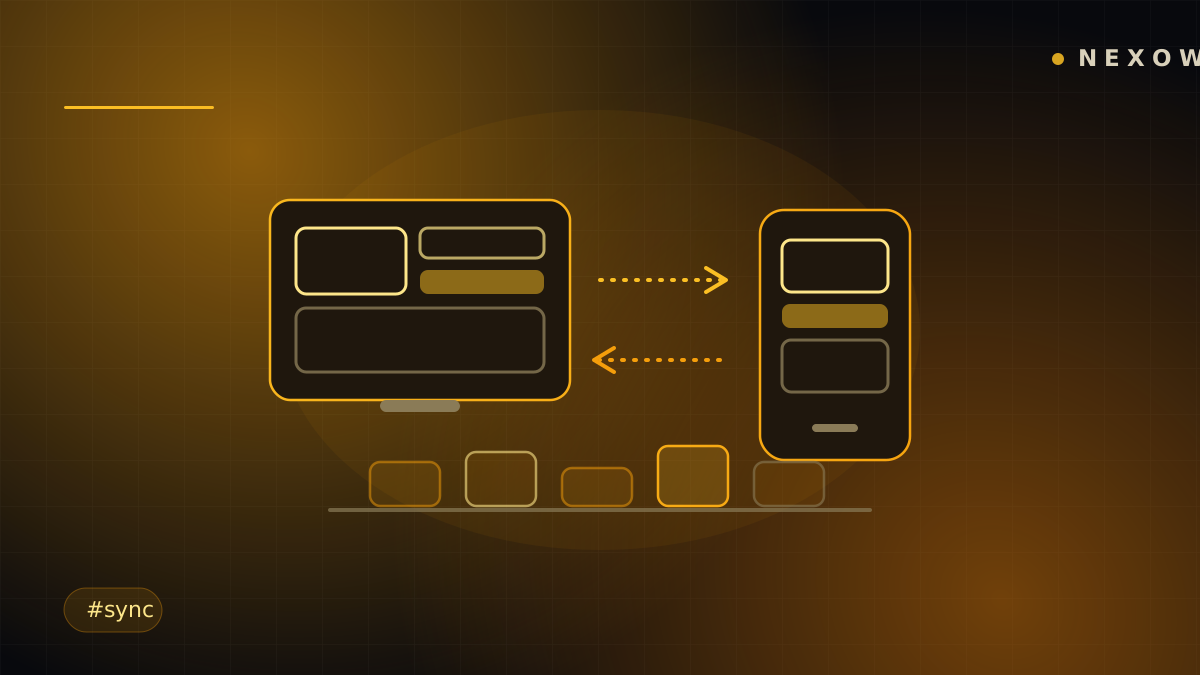
Cloud sync used to mean your widgets and layouts followed you. This release makes the rest follow too — conversations, libraries, even the state of your automations when you step in and out of privacy mode.
Conversations sync live
A widget’s chat is half its value: the prompts, the amendments, the reasoning. Widget threads now live-apply across devices — leave a conversation on the desktop, open the laptop, and the thread is there, current, without a refresh.
Under the hood, widget records were split into head, version and chat documents, so a fast-moving conversation no longer drags whole widget payloads with it. You’ll notice it as sync that keeps up.
Libraries for screens and workspaces
The library used to hold widgets. It now has tabs for screens and workspaces too — save a whole layout once, reuse it anywhere, and it syncs like everything else. Combined with the marketplace, the path from “my favorite screen” to “published asset” is two clicks long.
Archiving got kinder as well: an archived draft widget keeps its conversation, and picking it back up resumes the chat where you left off — archive is a shelf now, not a shredder. And if a widget record is ever left orphaned by an interrupted operation, the library finds it and recovers it instead of letting it leak.
Privacy mode: stash, don’t destroy
Nexow’s rule is that the cloud is opt-in — and you can opt back out. Entering privacy mode now stashes your cloud-side state: deployed agents and cloud bot sinks are parked, not deleted. Leave privacy mode and they’re restored exactly as they were, database sinks included. Going private is no longer a decision you pay for when you come back.
Realtime sync itself is also now a remembered preference — turn it off once and it stays off across sessions until you say otherwise.
Boring on purpose
The rest of the work you’ll hopefully never notice: layout pushes are compare-and-set so two devices can’t silently overwrite each other, a device ignores the echo of its own writes, and offline changes journal to an outbox that replays when you’re back. Sync you don’t think about is the feature.
Launch Nexow on two screens and watch one workspace behave like it.
Build your first widget in the next minute
Open the preview, describe one useful thing, and place it on your canvas.